If you’re new to printing design - whether for packaging, brochures, flyers, or business cards - you’ve probably heard the term “bleed” and wondered what it means, or why it matters. Even experienced designers often double-check bleed requirements to avoid costly mistakes. A bleed is a small, essential detail in print design that ensures your final product looks polished, professional, and free of unsightly white borders. Below, we break down exactly what a bleed is, why it’s non-negotiable for printing, and how to ensure your design includes it correctly - so you can avoid common pitfalls and get flawless printed results.
1. What is a Bleed in Printing Design?
In simple terms, a bleed is an extension of your design beyond the final, intended size of your printed product. It’s a small margin (usually 0.125 inches or 3mm) where your background, images, or colors extend past the “trim line” - the line where the printer will cut the paper to its final size.
For example, if you’re designing a business card that’s 3.5” x 2” (the standard size), a proper bleed would mean your design extends to 3.75” x 2.25”. When the printer cuts the card to its final size, the excess design (the bleed) is trimmed off, leaving your main design perfectly aligned with the edges of the card - no white gaps, no misaligned colors, just a clean finish.
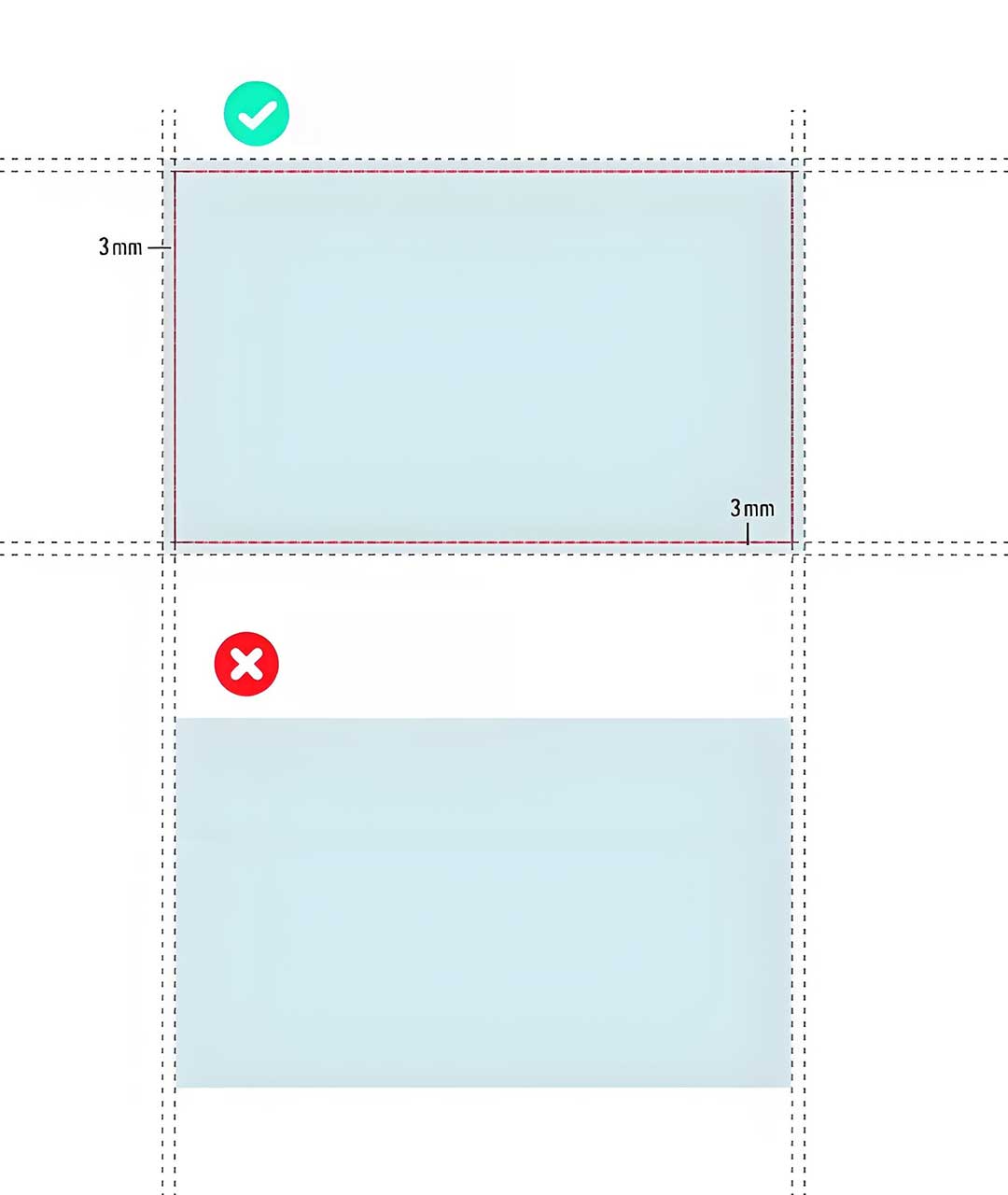
Bleeds are only needed for designs where colors, images, or patterns touch or go beyond the edge of the printed item. If your design has a white background with text and images that don’t reach the edges, a bleed isn’t necessary - but it’s still good practice to familiarize yourself with the requirement for future projects.
2. Why is Bleed Necessary for Printing? There Are 4 Key Reasons:
Bleed isn’t just a “nice-to-have” - it’s a critical part of print design that prevents unprofessional, flawed results. Here’s why it’s essential for any project where design elements touch the edges:
a. Eliminates Unsightly White Borders
The biggest reason for bleed is to avoid white borders (also called “trim gaps”) around your printed product. Printers are precise, but even the smallest margin of error (less than 1mm) during the cutting process can leave a thin white line along the edge if your design doesn’t extend past the trim line. This gap looks unprofessional and can ruin the overall aesthetic of your packaging, flyer, or card - especially if your design has a solid background color or full-bleed image.
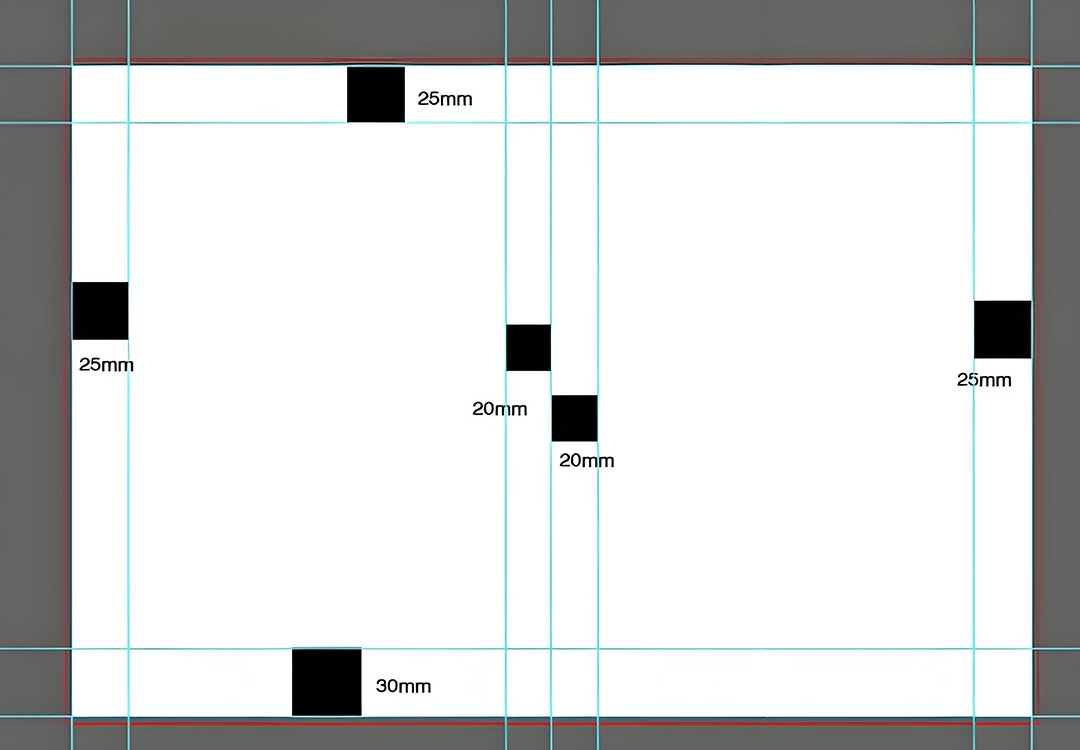
b. Compensates for Cutting Variations
Printing and cutting are physical processes, and minor variations are inevitable. Even with state-of-the-art equipment, sheets of paper can shift slightly during cutting. A bleed gives the printer a small “buffer zone” to account for these tiny shifts. Without it, a slight misalignment could cut off part of your design (e.g., the edge of a logo, text, or image) instead of leaving a white gap - both outcomes are frustrating and costly to fix.
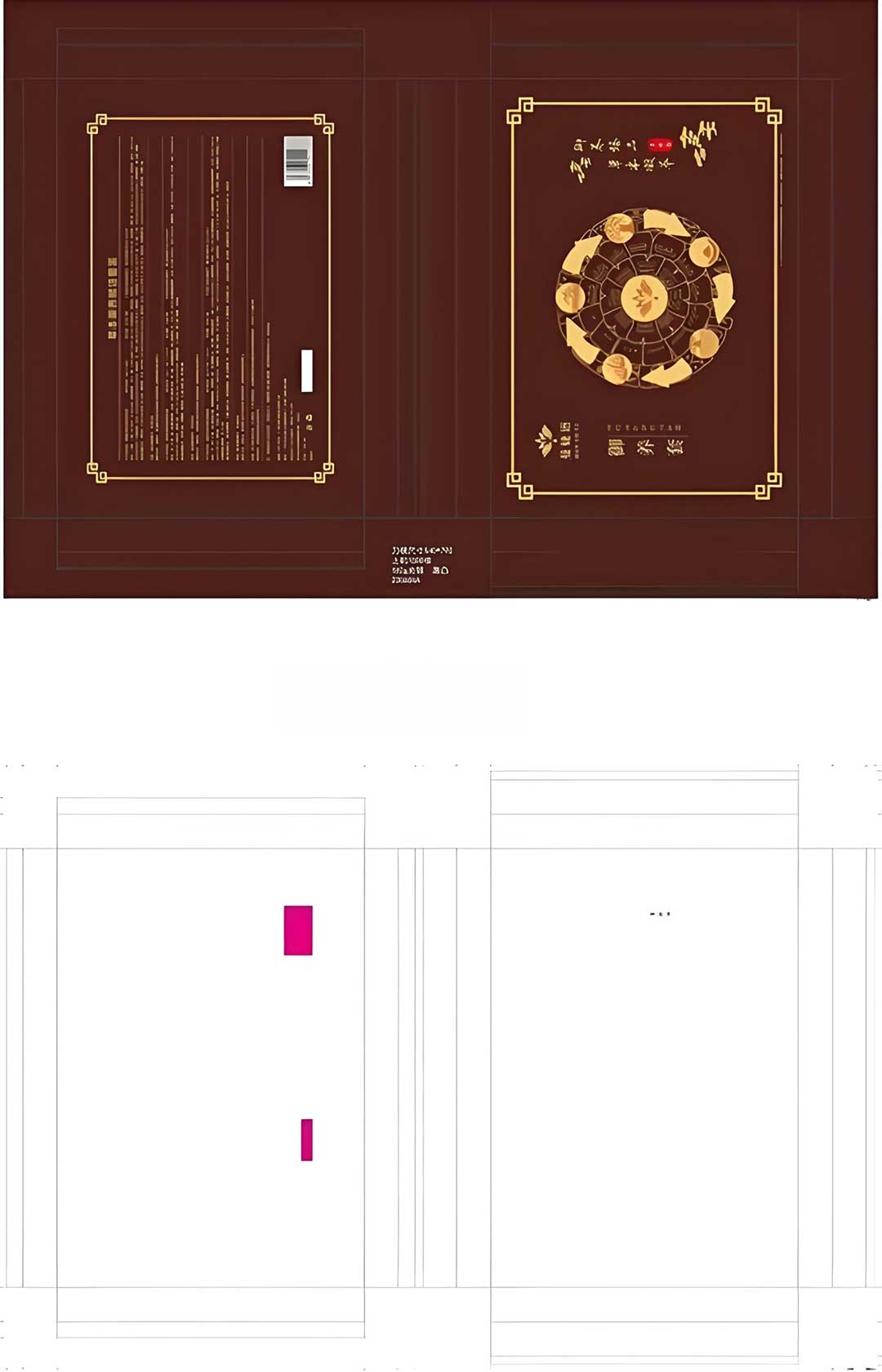
c. Ensures Consistent, Professional Results
Whether you’re printing 100 business cards or 10,000 packaging boxes, consistency is key to building a strong brand image. A bleed ensures that every printed item looks the same - no mismatched edges, no random white gaps, just a clean, cohesive finish. This professionalism helps your brand stand out and makes a positive impression on customers, clients, or event attendees.
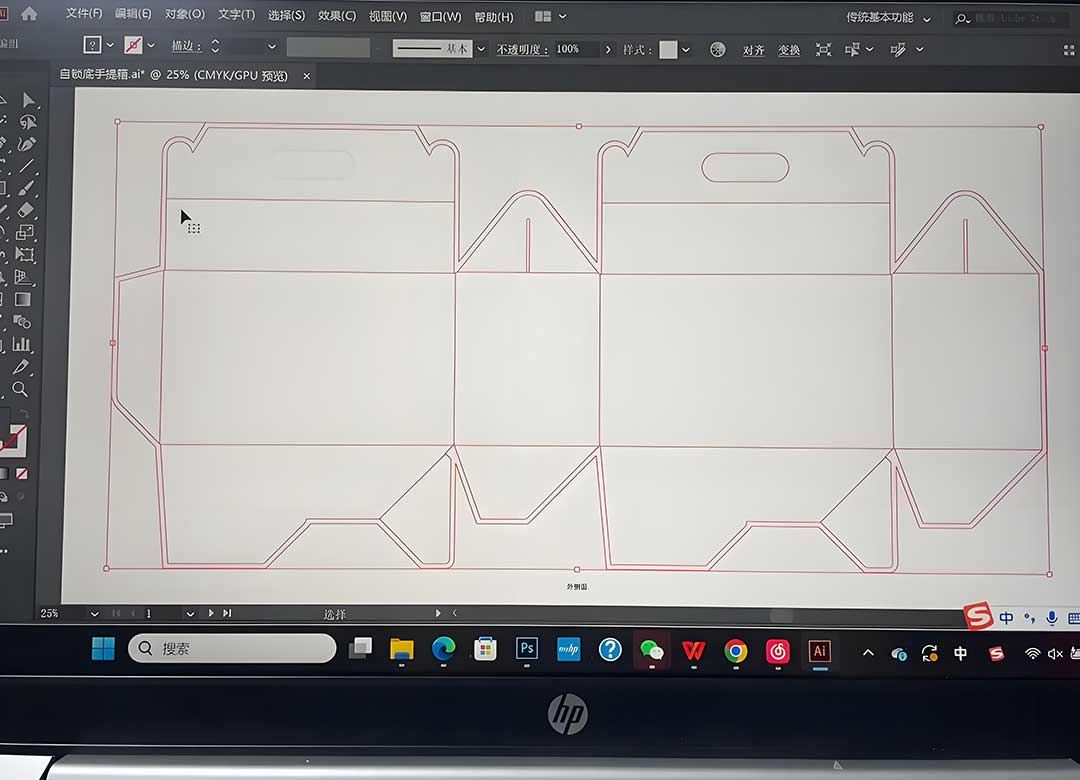
d. Avoids Costly Re-prints
Perhaps the most practical reason for bleed: it saves you time and money. If your design doesn’t include a bleed and results in white borders or cut-off elements, you’ll have to reprint the entire order - wasting ink, paper, and time. By including a bleed upfront, you eliminate this risk and ensure your project is done right the first time.
3. How to Add Bleed to Your Design (Quick Tips)
Adding a bleed to your design is simple, whether you’re using Adobe Illustrator, Photoshop, Canva, or another design tool. Here are a few quick guidelines to follow:
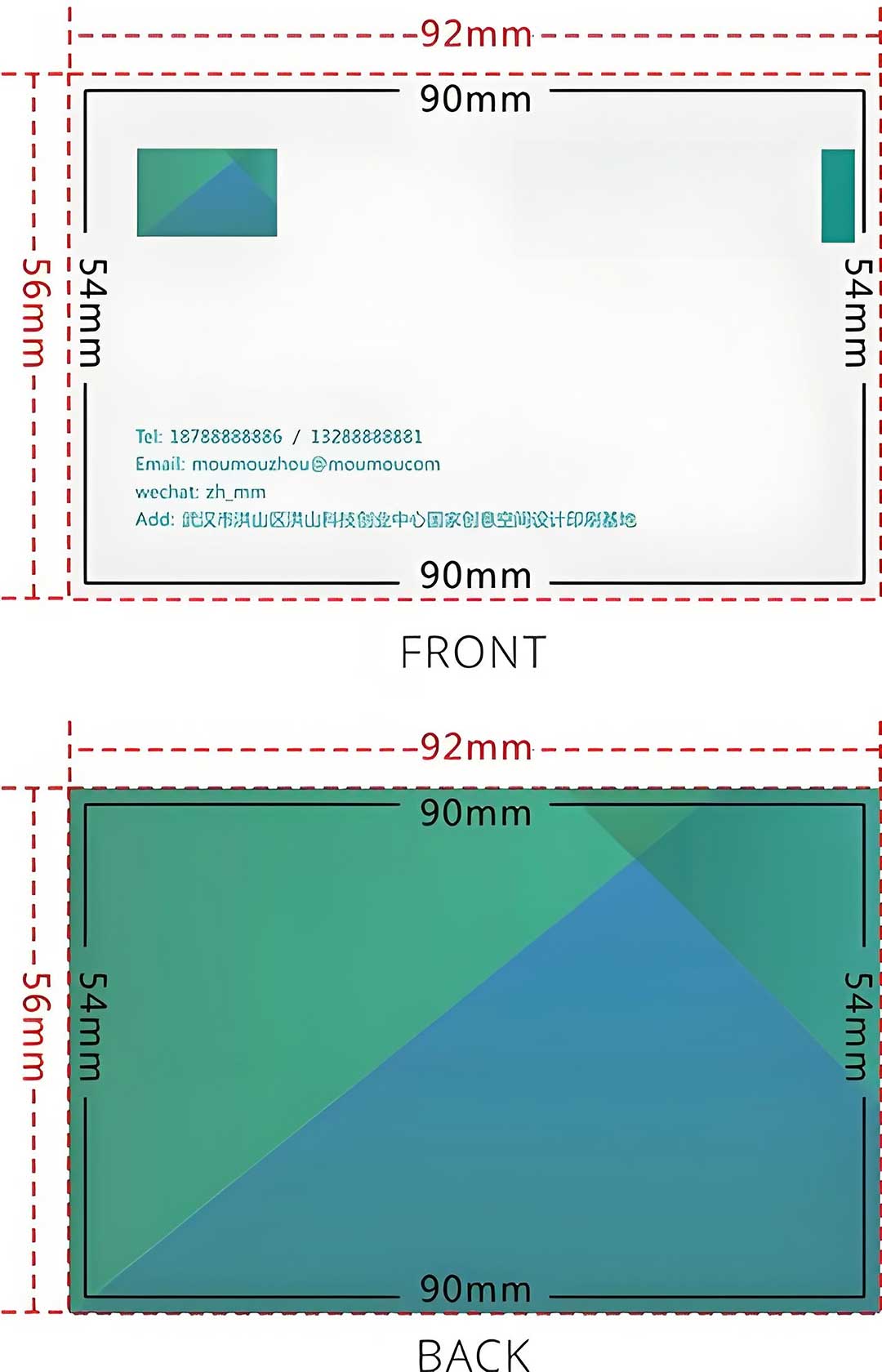
✅ Standard bleed size: Most printers require a 0.125-inch (3mm) bleed on all sides of your design. Some may require 0.25 inches (6mm) for larger items like posters or packaging - always check with your printer first.
✅ Set up bleed in your design tool: When creating a new project, select the “bleed” option and enter the required size. If you’re editing an existing design, adjust the canvas size to include the bleed margin.
✅ Extend design elements to the bleed line: Ensure all background colors, images, or patterns extend past the trim line and into the bleed area. Don’t place important elements (text, logos, key images) in the bleed zone - they will be trimmed off!
✅ Save as a print-ready file: Export your design as a high-resolution PDF with bleed included. This ensures the printer can see and use the bleed area during the cutting process.
What If My Design Doesn’t Have a Bleed?
If you submit a design without a bleed, most printers will either:
1) Add a white border around your design (which looks unprofessional), or
2) Contact you to request a revised design with bleed - delaying your project. In some cases, printers may charge an extra fee to add a bleed for you, which can increase your overall costs. To avoid this, always include a bleed when your design has edge-to-edge elements.
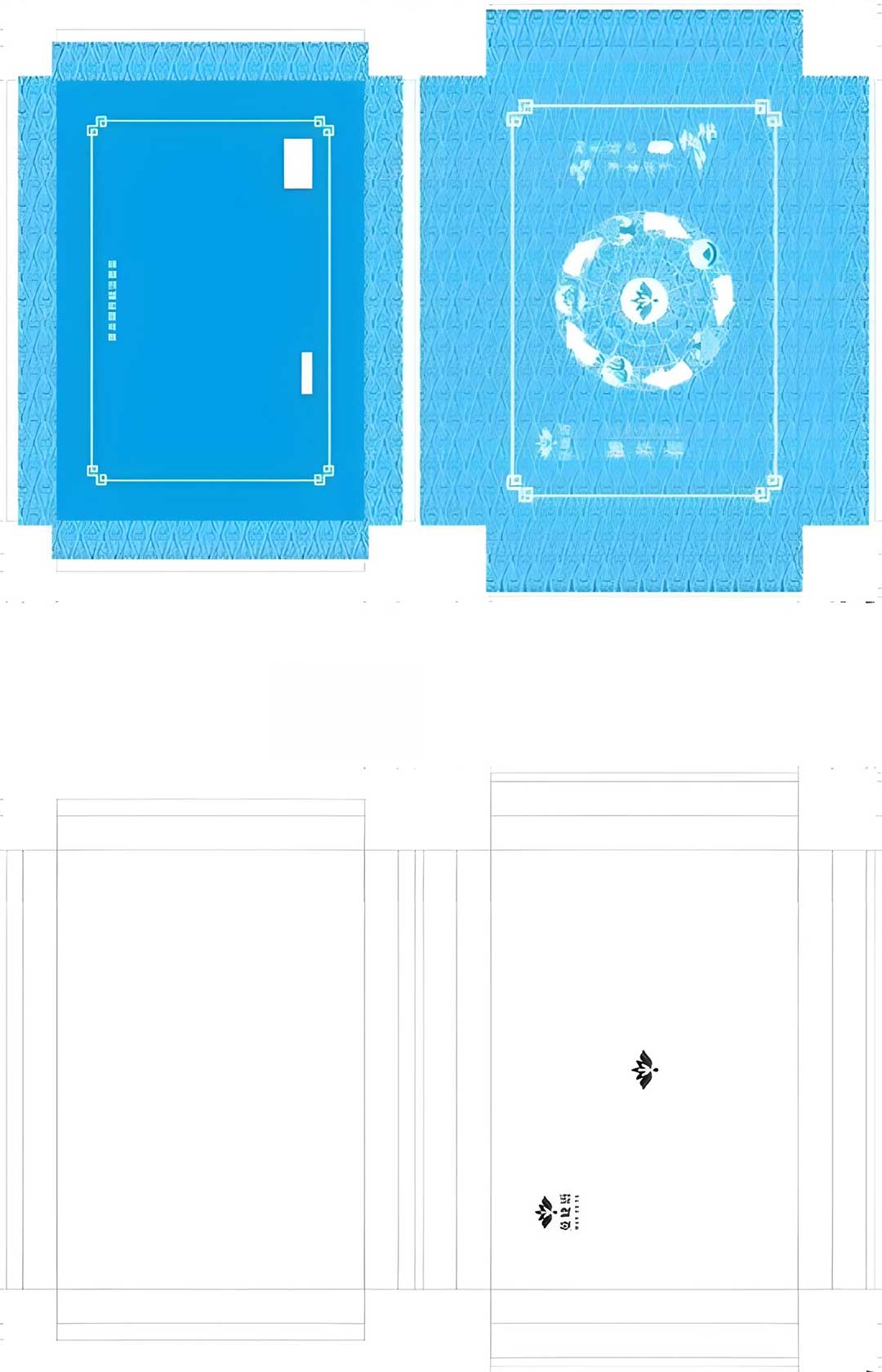
At our company, we’re here to help you navigate print design details like bleed. Our team can review your design to ensure it meets bleed requirements, or assist you in adding a bleed if you’re unsure how to do it. With the right bleed setup, you’ll get a polished, professional printed product that aligns perfectly with your vision - no gaps, no mistakes, just great results. Contact us today if you have questions or need help with your design!