If you’re new to print design - especially for packaging, brochures, or any project with overlapping colors - you may have heard the term “print trapping” and wondered what it means, or if it’s something you need to handle yourself. Print trapping is a critical technical step in printing that prevents unsightly white gaps between colors, but it’s often misunderstood by clients. The good news? You rarely need to handle it yourself - our team of printing experts takes care of it for you. Below, we break down exactly what print trapping is, why it’s essential, and whether you need to do it yourself, so you can focus on your design without worrying about technical printing details.
1. What is Print Trapping?
Print trapping (also simply called “trapping”) is a technical adjustment made to print-ready designs to compensate for minor misalignments that can occur during the printing process. When printing a design with multiple overlapping or adjacent colors, printers use separate plates for each CMYK color (cyan, magenta, yellow, key/black). Even with state-of-the-art equipment, these plates can shift slightly - by just a fraction of a millimeter - during printing.
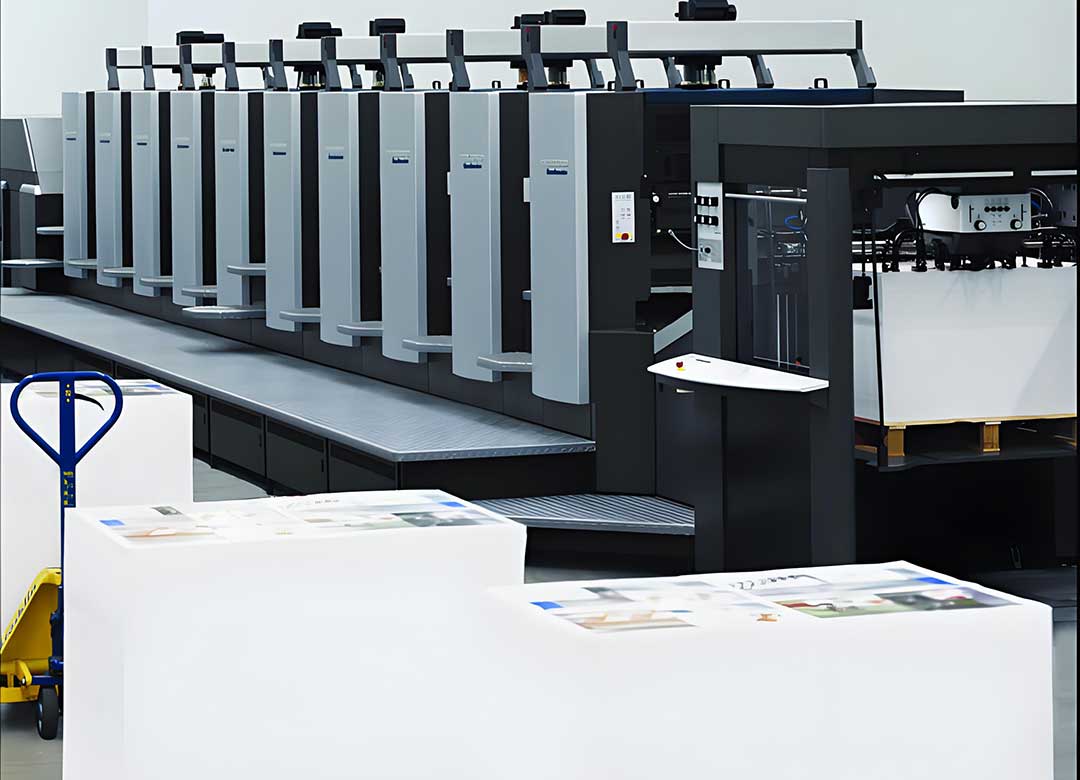
Trapping solves this problem by creating a tiny overlap (usually 0.003 to 0.008 inches) between adjacent or overlapping colors. This overlap acts as a buffer: if the plates shift, the colors will still overlap slightly, preventing thin white lines (called “registration gaps”) from appearing between them. Think of it as a safety net for color alignment - ensuring your design looks clean and professional, even with minor printing variations.
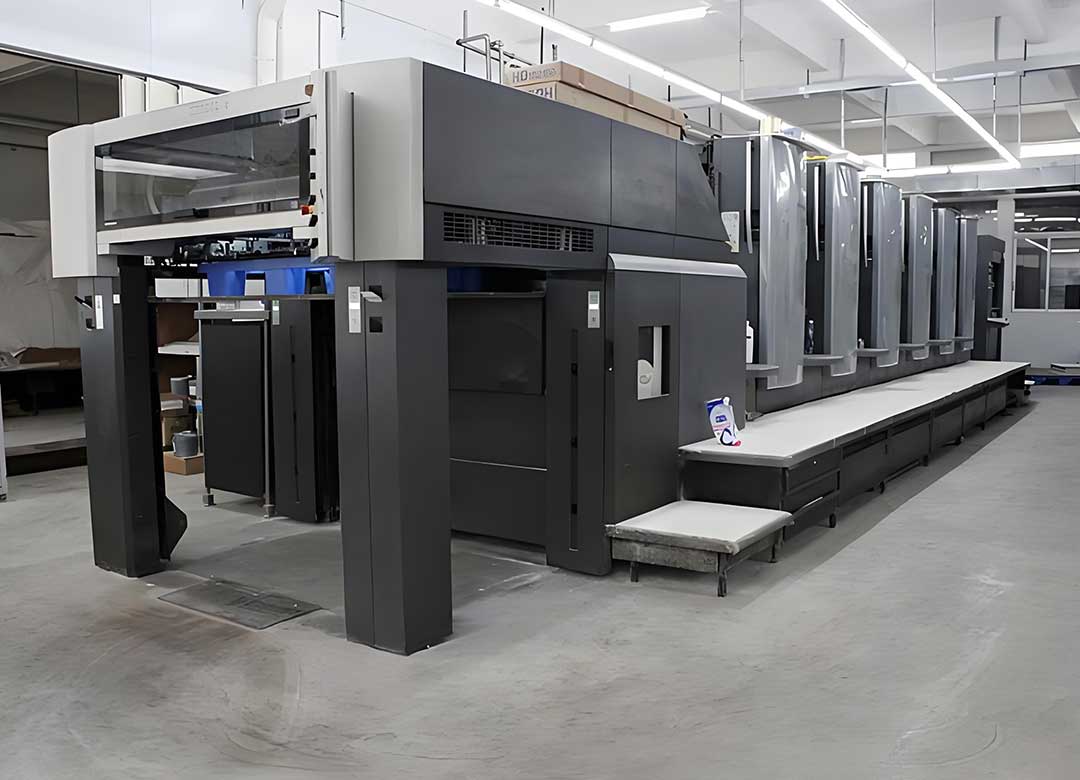
For example, if your design has a red circle (made of magenta and yellow) on a blue background (cyan), trapping will make the red circle slightly larger so it overlaps the blue background. If the magenta/yellow plate shifts slightly, there won’t be a white gap between the red and blue - just a smooth, seamless transition.
2. Why is Print Trapping Essential for Printing?
Trapping may seem like a small detail, but it’s critical for producing high-quality printed materials. Here’s why it matters:
Eliminates unsightly white gaps: The biggest benefit of trapping is preventing thin white lines between colors. These gaps look unprofessional and can ruin the overall aesthetic of your design - especially for packaging, where a polished look is key to brand credibility.
Compensates for printing variations: Even the most precise printers have minor plate shift. Trapping accounts for this, ensuring your design looks consistent across every printed piece, whether you’re printing 100 or 10,000 copies.
Enhances design polish: A well-trapped design has smooth, seamless color transitions. Without trapping, even a small misalignment can make your design look sloppy or unprofessional - something that undermines your brand image.
3. Do I Need to Do Print Trapping Myself?
The short answer: No, you do not need to do print trapping yourself. Here’s why, and what you need to know instead:
Why You Don’t Need to Handle Trapping
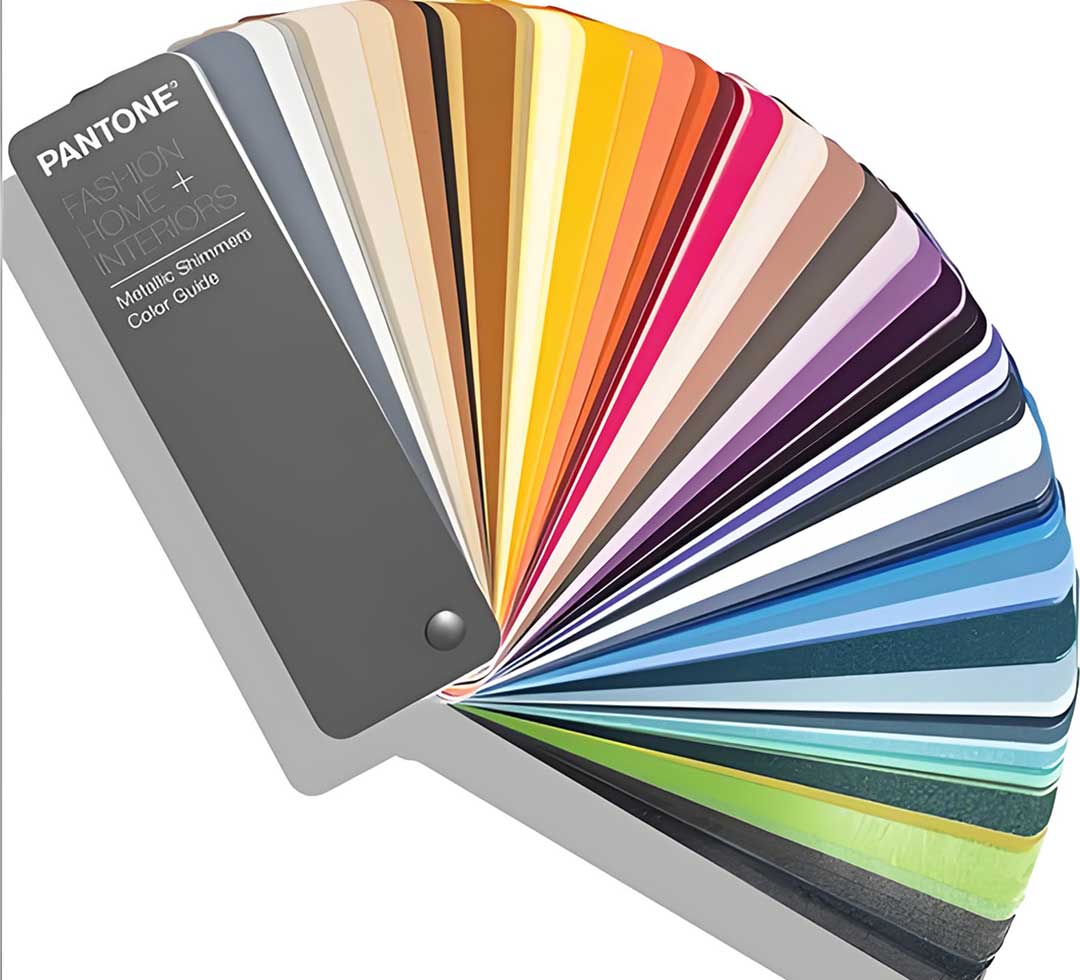
Print trapping is a technical skill that requires knowledge of printing equipment, color separation, and plate alignment. It’s not a design task - it’s a prepress task, handled by our team of prepress experts who specialize in optimizing designs for printing. We use professional software (e.g., Adobe Illustrator, InDesign, or specialized prepress tools) to add trapping correctly, based on your design’s colors, layout, and the specific printing process we’ll use for your project.
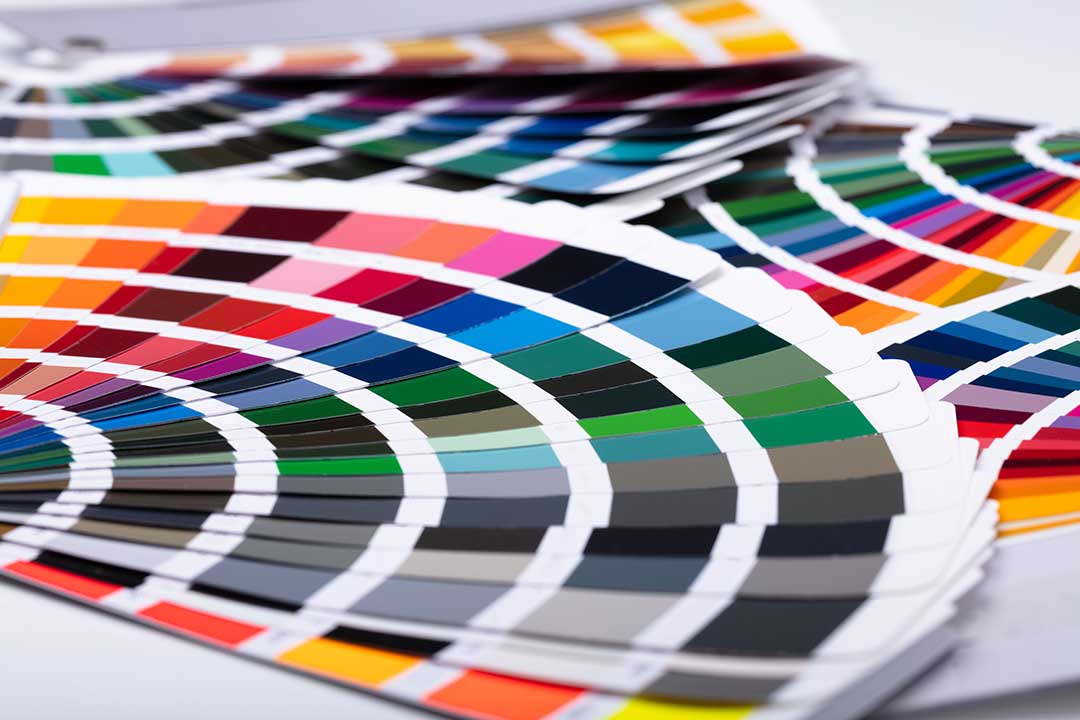
Attempting to add trapping yourself can do more harm than good. If you add too much overlap, colors may blend unnaturally (called “bleeding” or “muddying”). If you add too little, the white gaps will still appear. Our experts know exactly how much trapping to add for different color combinations and printing methods - saving you time and avoiding costly mistakes.
What You Do Need to Do (To Make Trapping Easier)
While you don’t need to add trapping, there are a few simple things you can do in your design to help our prepress team handle trapping smoothly:
Avoid tiny color borders: Extremely thin color lines (less than 0.01 inches) are hard to trap and can result in gaps. Use thicker borders or solid color blocks when possible.
Use high-contrast color combinations when possible: High-contrast colors (e.g., black and white, dark blue and yellow) make small gaps less noticeable if trapping is minimal. Low-contrast colors (e.g., light blue and light purple) require more precise trapping, but our team can handle it.
Submit print-ready files: Send us high-resolution PDFs (CMYK, 300 DPI) with flattened layers. This makes it easier for our team to access your design’s color layers and add trapping correctly.
Communicate special design needs: If your design has complex color overlaps (e.g., gradients, patterns, or custom shapes), let us know. We’ll pay extra attention to these areas to ensure trapping is done perfectly.
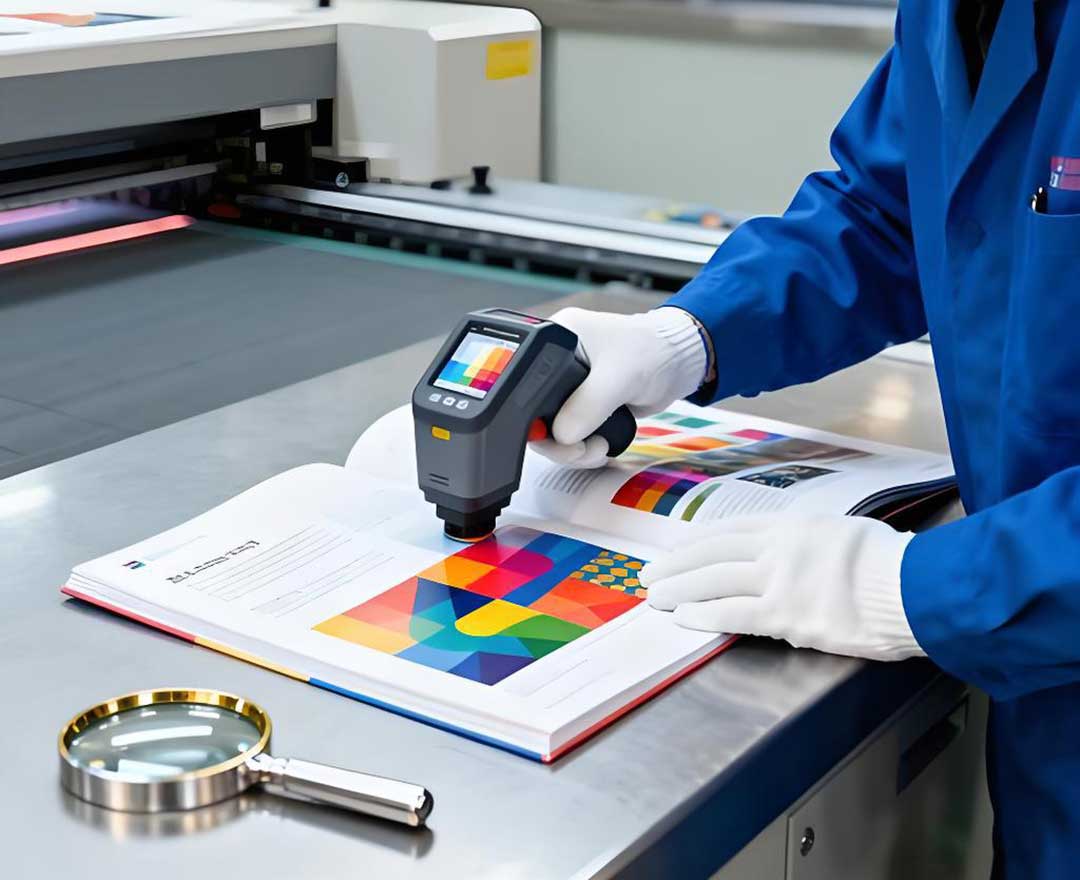
When Might You Need to Be Aware of Trapping?
While you don’t need to add trapping yourself, it’s helpful to be aware of it in a few specific cases:
✅ If you’re designing with extremely tight color tolerances (e.g., luxury packaging with precise brand colors).
✅ If you’re using specialized printing methods (e.g., screen printing, offset printing for large quantities), which may require slightly different trapping techniques.
✅ If you’re working with a designer who isn’t familiar with print prepress - though our team will still review and adjust trapping as needed.
Our Promise: We Handle Trapping for You
At our company, print trapping is part of our standard prepress process. When you submit your print-ready design, our prepress experts will review it, check for color overlaps, and add the perfect amount of trapping to ensure your final printed product has no white gaps and smooth color transitions. You don’t need to worry about the technical details - we take care of it, so you can focus on creating a beautiful design.
Print trapping is a small but essential step in creating professional printed materials, but it’s not your responsibility. Our team has the expertise and tools to handle it correctly, ensuring your design looks flawless when it’s printed. If you have questions about trapping, or if you want to learn more about how we prepare your design for printing, contact our team today - we’re happy to help!