If you’ve ever designed packaging, flyers, or any printed material, you’ve likely encountered RGB and CMYK - and wondered why the vibrant colors on your computer screen don’t always match the final printed product. This is one of the most common questions we get, and the answer lies in how these two color models work, their unique purposes, and the physical differences between digital and print display. Below, we break down the key differences between RGB and CMYK, and explain why screen and print colors often vary, so you can set realistic expectations for your printing project.
1. What Are RGB and CMYK? The Key Differences Are as Below:
RGB and CMYK are two distinct color models used for different purposes - one for digital displays, the other for printing. Their core differences come down to how they create color, their color ranges, and their intended use cases.
RGB: For Digital Screens (Light-Based Color)
RGB stands for Red, Green, and Blue - the three primary colors of light. This color model is used for all digital displays, including your computer monitor, phone, tablet, and laptop. Here’s how it works:
✅ Color creation: RGB creates color by adding light. When you combine red, green, and blue light at full intensity, you get white. When no light is present, you get black.
✅ Use case: Exclusively for digital design - websites, social media graphics, digital mockups, and any content viewed on a screen.
✅ Color range: RGB has a wide, bright color gamut (range of colors it can produce), including vivid, neon-like hues that are impossible to replicate in print.
CMYK: For Printing (Ink-Based Color)
CMYK stands for Cyan, Magenta, Yellow, and Key (Black). This is the standard color model for all printing, including packaging, brochures, business cards, and flyers. Here’s how it differs from RGB:
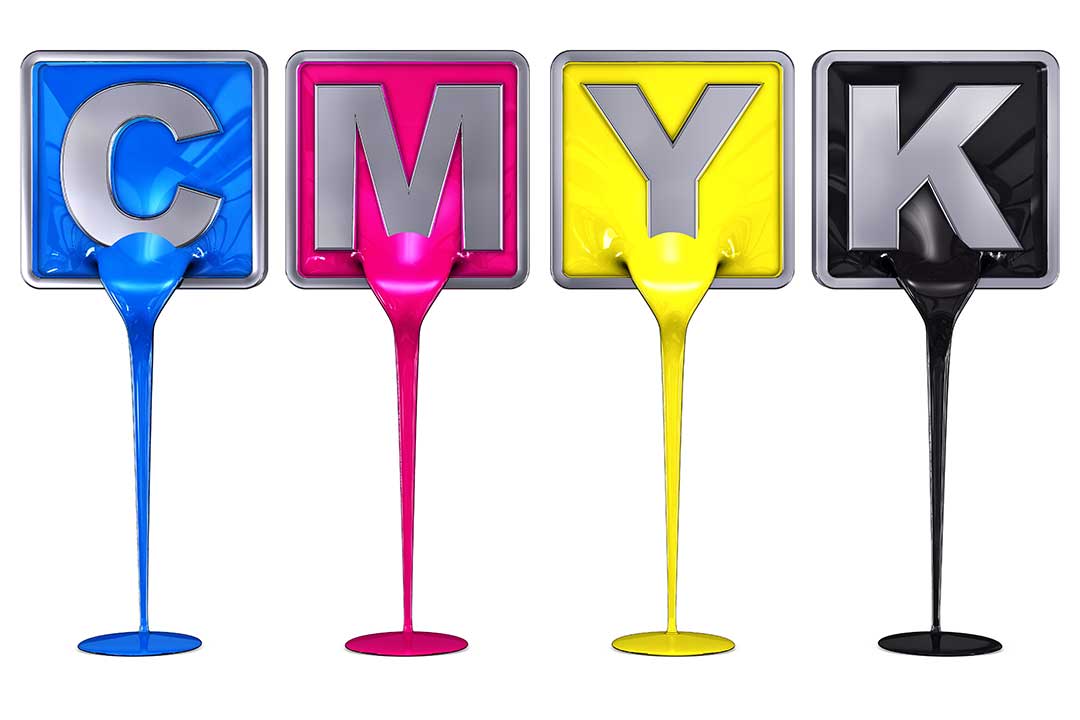
✅ Color creation: CMYK creates color by subtracting light. It uses ink to absorb (subtract) certain wavelengths of light, while reflecting others back to your eye. For example, cyan ink absorbs red light and reflects blue and green.
✅ The “K” (Key): Black ink is added separately because combining cyan, magenta, and yellow inks only produces a muddy brown - not true black. Using black ink ensures deep, rich blacks and reduces ink costs.
✅ Use case: Exclusively for print design. Any design that will be printed must be converted to CMYK to ensure accurate color reproduction.
✅ Color range: CMYK has a narrower color gamut than RGB. Many bright RGB colors (like neon pink or electric blue) can’t be replicated with CMYK inks - they will appear duller or slightly different in print.
2. Why Do Screen Colors Look Different from Printed Colors?
The mismatch between screen (RGB) and print (CMYK) colors isn’t a mistake - it’s a result of how each medium displays color. Here are the most common reasons for the difference:
a. Different Color Models (Light vs. Ink)
As we explained, RGB uses light to create color, while CMYK uses ink. Light can produce brighter, more intense colors than ink ever can. For example, a bright RGB red on your screen is created by full-intensity red light - but CMYK ink can only produce a darker, more muted red by combining magenta and yellow inks. This fundamental difference means some RGB colors simply can’t be replicated in print.
b. Screen Calibration Differences
Every digital screen (monitor, phone, tablet) is calibrated differently. Some screens are set to be brighter, warmer (more yellow), or cooler or bluer than others. If your monitor isn’t calibrated for print design, the colors you see will be inaccurate - even if your design is in CMYK. Professional designers calibrate their monitors regularly to ensure they’re viewing colors as close to print as possible.
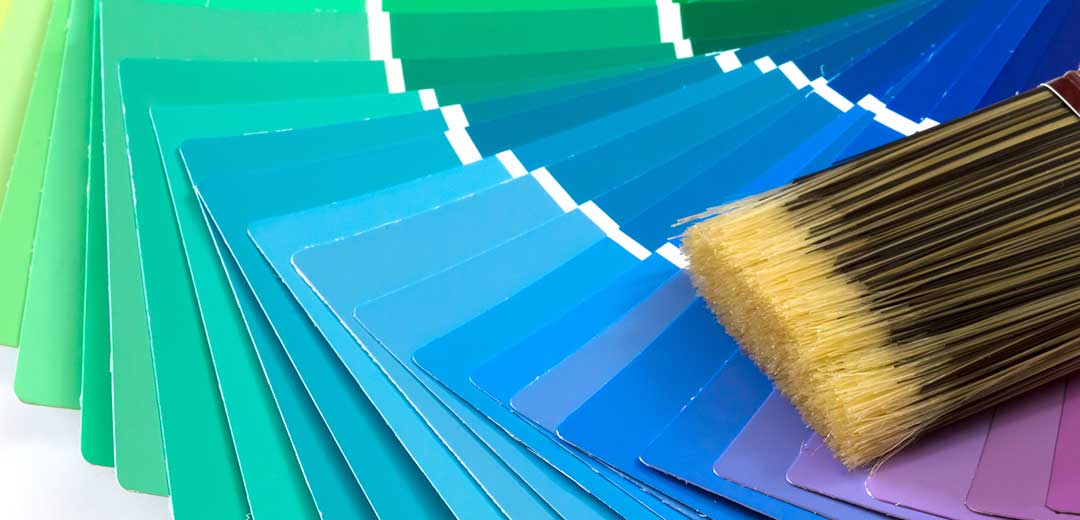
c. Paper Type & Ink Quality
The type of paper you use for printing also affects color appearance. Glossy paper reflects more light, making colors look brighter and more vibrant, while matte paper absorbs more light, resulting in slightly duller colors. Additionally, high-quality inks will produce more accurate, consistent colors than lower-quality inks - another factor that can impact the final result.
d. Print Process Variations
Minor variations in the printing process (e.g., ink density, pressure, or temperature) can also cause color differences. Even with the same design, two print runs may have slight color variations - though professional printers work hard to minimize this.

How to Minimize Color Mismatches
While some color difference is inevitable, you can take steps to ensure your printed colors are as close to your screen design as possible:
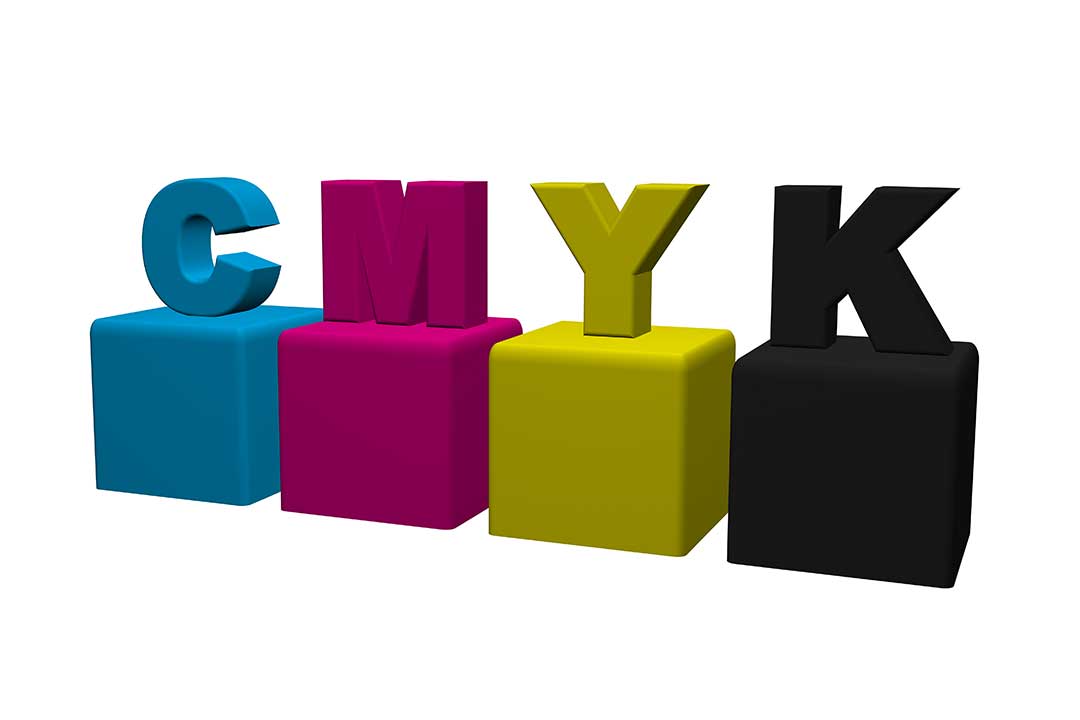
Design in CMYK: Start your project in CMYK (not RGB) to avoid disappointment - this way, you’ll see colors as close to print as possible on your screen.
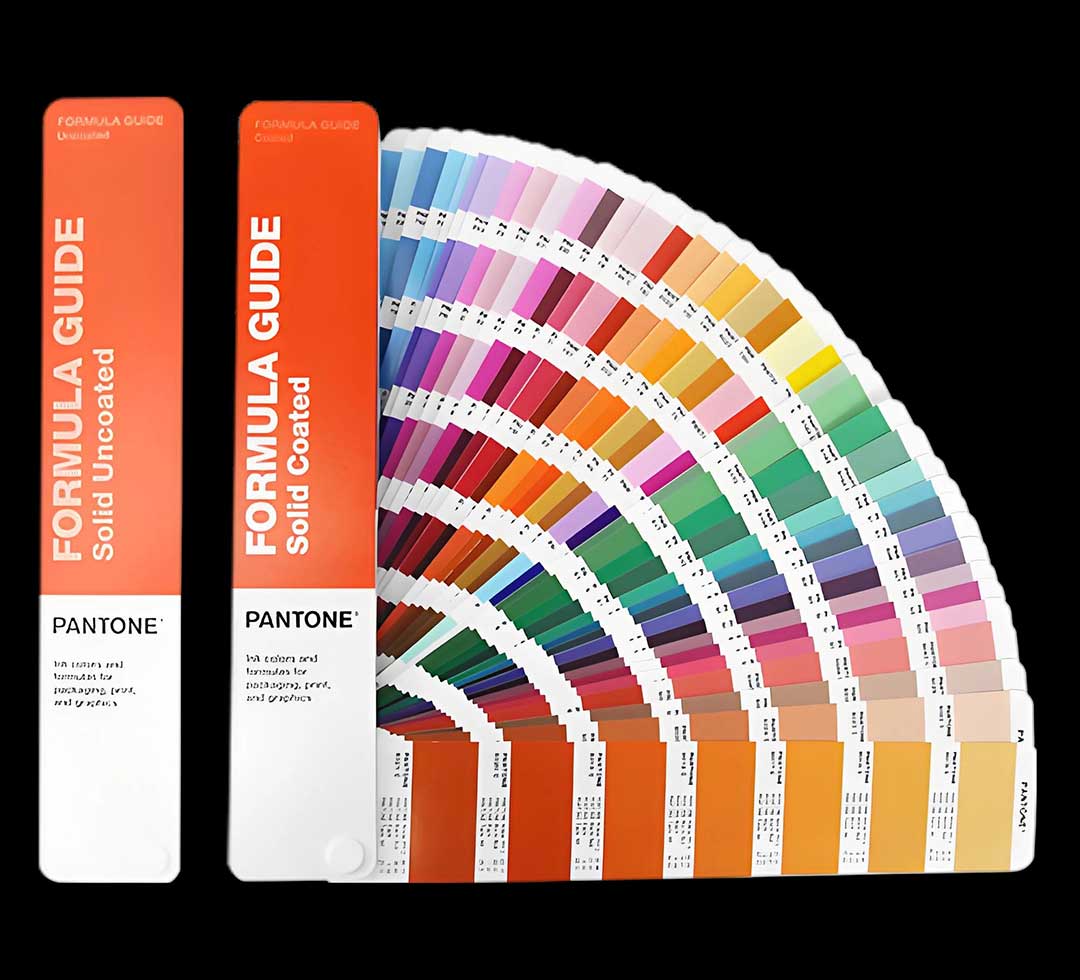
Request a physical proof: Before printing in bulk, ask for a physical proof (a sample print of your design). This is the only way to see exactly how your colors will look in print.
Calibrate your monitor: Use monitor calibration tools to ensure your screen displays colors accurately.
Work with professionals: Our team uses industry-standard tools and processes to convert RGB to CMYK accurately, and we’ll guide you through choosing paper and ink options that best match your vision.
Understanding the difference between RGB and CMYK is key to creating print designs that meet your expectations. While screen and print colors may never be identical, with the right preparation and professional support, you can ensure your printed materials look vibrant, consistent, and true to your brand. If you have more questions about color reproduction or need help with your design, contact our team today!